
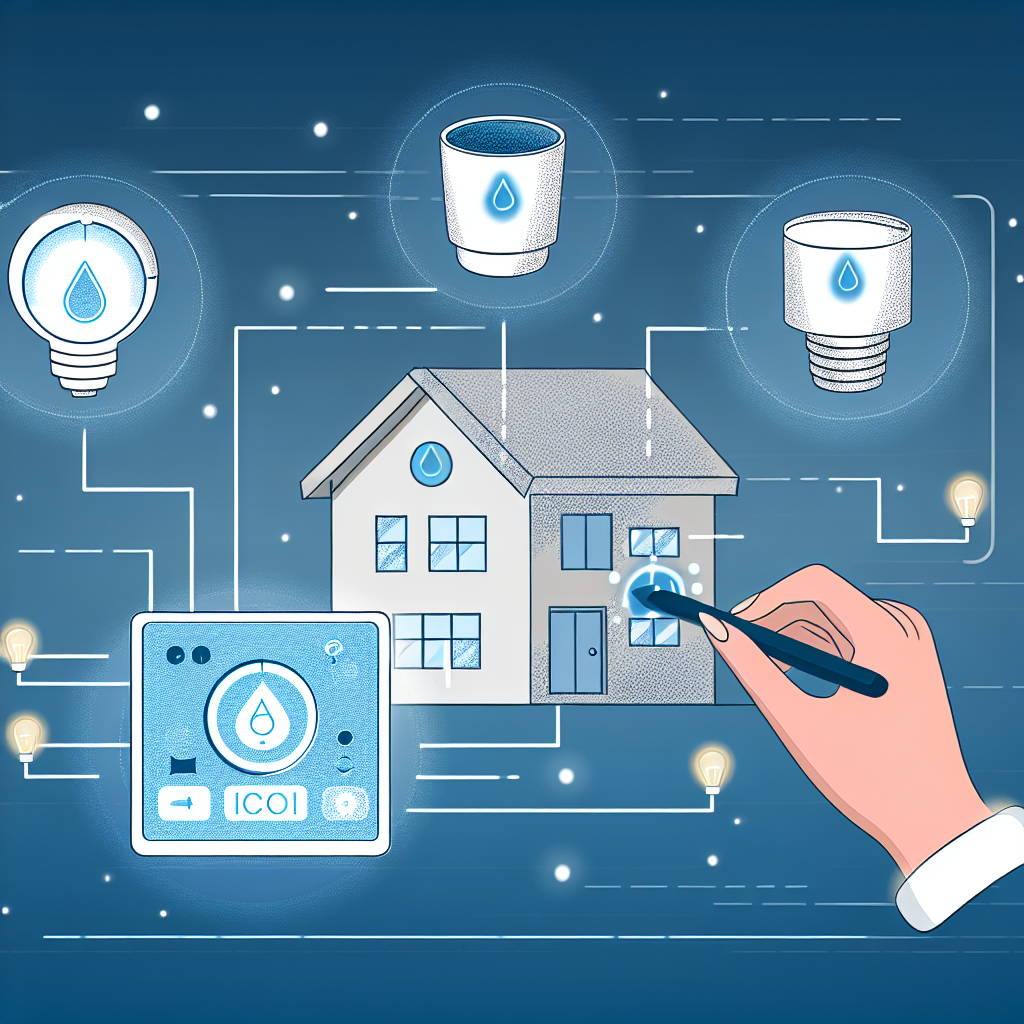
 # Smart Home Hacks: Simplifying Your Automation Journey
As millennials and Gen-X homeowners strive to create more efficient, environmentally-friendly living spaces, it’s no surprise the realm of smart home technology has exploded. From automatic lighting to temperature control, the possibilities to enhance comfort and convenience are nearly endless. However, navigating this tech landscape can feel overwhelming. If you’ve ever found yourself struggling with automations or searching for a single multipurpose device to streamline your home, you’re not alone! In this article, we’ll explore practical solutions tailored for your needs, making your smart home dream a seamless reality.
## The Quest for an All-in-One Smart Device
Picture this: a compact device that plugs easily into any outlet and uses multiple sensors to improve your home’s automation. You’d be able to set your lights to turn on when it detects sound, like the closing of a door, regardless of whether it’s a smart device or not. Sounds ideal, right? Several years ago, such a device emerged in demos, but many are still on the lookout for something similar.
### Why You Need a Multi-Sensor Device
Smart homes should work for you, not the other way around. A device that consolidates motion, light, sound, and temperature detection could massively simplify your setup. Imagine just one installation that communicates with your lighting system and automatically adjusts based on real-time conditions instead of juggling multiple gadgets and apps.
#### What to Look For
When searching for a multipurpose smart device, consider:
– **Flexibility**: It should work with various smart devices in your home.
– **Compatibility**: Ensure it’s compatible with your existing ecosystem (e.g., Apple Home, Google Assistant).
– **User-friendly interface**: It should be easy to set up and program without needing a technical manual.
### Exploring Your Options
As of now, the exact multifunctional gadget you may have seen may not be in mainstream production. However, keep an eye on crowdfunding platforms like Kickstarter, or tech blogs for any emerging products. In the meantime, consider using individual sensors that can communicate through a smart hub to create similar automations.
## Streamlining Temperature Control Automation
Automation can, at times, feel like a double-edged sword. They promise convenience, but setting up intricate integrations can be a headache, especially for your heating and cooling systems. Take, for example, a cabin in the woods requiring precise temperature control depending on occupancy.
### Setting Up Smart Thermostats
If you’re looking to create an effective temperature automation routine, the key lies in programming your thermostats correctly to suit different scenarios.
#### Scenario One: Absence Mode
To maintain a constant temperature of around 13 degrees while away:
1. **Set your smart plugs** to activate your heaters when temperatures drop below 12 degrees and deactivate them above 14 degrees.
2. **Create automations** in your app to switch on/off the plugs based on these temperature thresholds.
#### Scenario Two: Occupied Mode
When you’re present:
– Adjust the settings to keep your space comfortable around 21 degrees with the same principles.
#### Simplifying Automations
The idea sounds complex, but instead of creating multiple different automations, try:
– **Grouping your devices**: Check if your smart home app allows you to create a single scene that incorporates both modes, altering settings based on whether you’re home or not.
## Elevating Under-Cabinet Lighting with Smart Controls
Tired of forgetting to turn on those beautiful under-cabinet lights? Don’t worry; reinvigorating your kitchen with smart technology can be a rewarding DIY project.
### Automating Your Dimmer Switch
Start by determining the power source for the existing dimmer switch. If you’re unsure where the wires go, here’s a basic approach to automation:
1. **Find a Smart Dimmer**: Replace your existing dimmer with a smart dimmer switch that allows for app control and scheduling.
2. **Integrate with Your Smart Home Hub**: Sync it to your existing smart home system to set lighting schedules or turn them on remotely with your smartphone.
### Consider Motion Activation
For those “forgetful” moments, consider adding motion sensors that can automate the lighting whenever someone is present in the kitchen—no switches needed!
## Transitioning to Smart Thermostats
Finally, if you’re looking to phase out the WiFi/Bluetooth dependency of your existing smart home setup, moving towards a Zigbee-based system can vastly improve reliability and efficiency.
### Making the Switch
As you order new thermostats, consider:
– **Separate thermostats** for different areas (like the garage and living areas) rather than one central control—this will enhance comfort.
– **Check compatibility** with your chosen smart home protocol to ensure seamless integration.
## Takeaway: Embrace the Smart Home Journey
Navigating the smart home terrain doesn’t need to be overwhelming. By creating thoughtful automations and finding multipurpose devices, you can enhance your living space with ease. Stay curious, innovate your home setup, and don’t hesitate to ask for help from your peers or on dedicated forums. It’s all part of creating a smart home that truly serves you! Happy DIY-ing!
Leave a Reply