
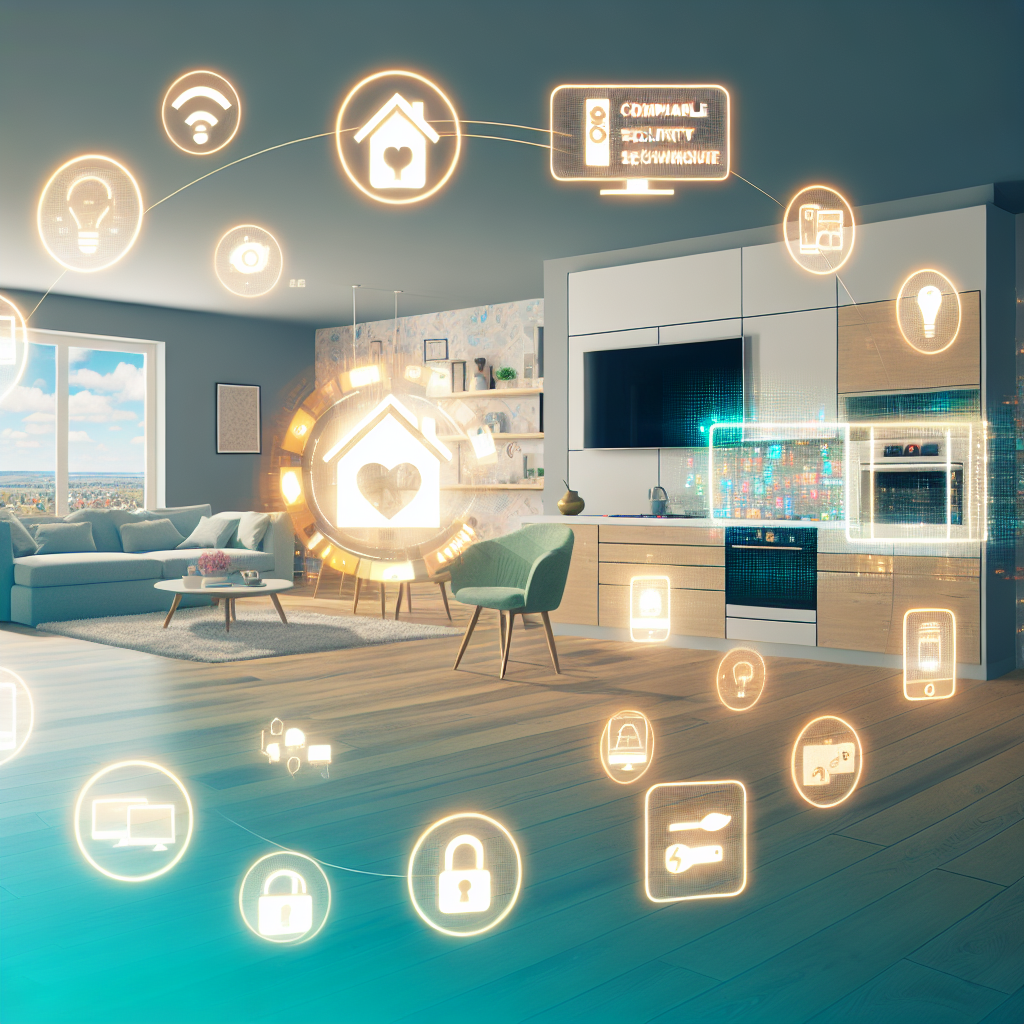
 # Enhancing Your Smart Home Experience
Smart home technology can revolutionize your living space, offering levels of comfort, security, and convenience previously thought unreachable. However, while enhancing your smart home, you may encounter various challenges that can be navigated with the right tools and knowledge. Drawing from my 25 years of construction experience, this guide will help you tackle common smart home projects safely and effectively.
## Understanding Smart Home Basics
Before jumping into specific technology, it’s key to understand what components you will need for your upgrades. Common devices include:
– **Smart Locks**: Provide keyless entry and enhanced security.
– **Smart Lighting**: Allows you to manage lighting remotely, with features like adjusting brightness and color.
– **Home Automation Systems**: Enable you to control various devices from one interface, streamlining your home experience.
### Tools and Materials You’ll Need:
– Screwdriver set (both flat and Phillips)
– Smart hubs (if using multiple devices)
– Compatible smart devices (locks, lights, etc.)
– Smartphone or tablet for app compatibility
– Ethernet cable (for stable connection, if needed)
### Safety Precautions:
1. **Turn off power** when working with electrical devices.
2. **Wear necessary safety gear**, including gloves and goggles if necessary.
3. **Read the instructions** provided by the device manufacturers thoroughly.
## Tackling Smart Locks: Installation and Troubleshooting
### Installation
1. **Remove old locks**: Use a Phillips screwdriver to uninstall the current lock. Ensure the door is closed to help keep the door alignment intact.
2. **Prepare the new smart lock**: Follow the manufacturer’s instructions for assembling the smart lock mechanism. Ensure the batteries are installed correctly.
3. **Install the smart lock**: Position the smart lock on the door and secure it with screws. Test the lock manually to ensure it operates smoothly.
4. **Connect to your network**: Follow the app’s instructions to connect the lock to your home automation system.
### Common Mistakes & Pro Tips:
– **Not aligning the lock properly**: Misalignment can cause the lock to malfunction. Use a level to ensure it’s straight.
– **Forgetting to reset the lock**: If issues arise, try resetting the device according to the user manual.
## Smart Lighting: Setting the Ambiance
### Choosing Smart Bulbs
1. **Research compatibility**: Ensure your selected smart bulbs work with your home assistant (like Amazon Alexa or Google Home).
2. **Consider features**: Focus on bulbs that allow for color changing, dimming, and preset options to enhance your ambiance.
### Installation Steps
1. **Turn off power to your existing light fixture**: Use a circuit tester to ensure safety.
2. **Replace the bulb**: Remove old bulbs and install smart bulbs, following the manufacturer’s directions.
3. **Configure the app**: Set up scenes and preferences via the app corresponding to your smart bulb.
### Common Mistakes & Pro Tips:
– **Overlooking brightness levels**: Brightness varies; check lumens rather than watts for a proper match to your existing lights.
– **Neglecting router range**: Ensure your Wi-Fi signal is strong where the bulbs will connect.
## Home Automation: Simplifying Systems
### Setting Up Your Home Automation System
1. **Select a central hub**: Choose one that suits your needs (e.g., SmartThings, Apple HomeKit).
2. **Add devices**: Follow the automated instructions for pairing your smart devices. Ensure firmware is updated for all devices for improved function.
### Configuration Steps
1. **Create specific commands**: Set routines for different times of day (e.g., lights dimming at movie time).
2. **Automate temperature control**: Integrate your smart thermostat with a temperature sensor to maintain ideal settings based on your preferences.
### Common Mistakes & Pro Tips:
– **Complicating commands**: Break down commands to improve reliability. Rather than an all-encompassing command, create smaller, specific actions.
– **Ignoring security settings**: Ensure all devices are secured with strong passwords and updated on the manufacturer’s site.
## Creating a DIY Monitoring Hub
For those with an old smartphone, you can repurpose it into a monitoring hub. This solution is both cost-effective and functional.
### Steps to Set Up Your DIY Hub
1. **Choose the right app**: Use applications like Alfred or HomeCamera which can turn smartphones into security cameras.
2. **Configuration**: Install the app, connect it to your home Wi-Fi, and configure settings, including motion detection.
3. **Optimize performance**: Disable features that may consume battery unnecessarily and have your device connected to a power source.
### Common Mistakes & Pro Tips:
– **Ignoring app updates**: Regular updates enhance functionality; keep your apps up to date.
– **Placement of the phone**: Position it in a stable location with a clear line of sight for effective monitoring.
## Conclusion: Empower Your Smart Home
Tackling smart home projects requires careful planning, knowledge of tools, and attention to detail. Always prioritize safety, and don’t hesitate to seek help when necessary. Each step you take improves the comfort and functionality of your living space, solidifying the benefits of smart home technology.
### Reflective Question
As you consider enhancing your own smart home, what specific projects or technologies are you excited to explore next?
Leave a Reply